More Biomes DataPack 26.3 / 1.21.11 (Custom Skies & Biomes)
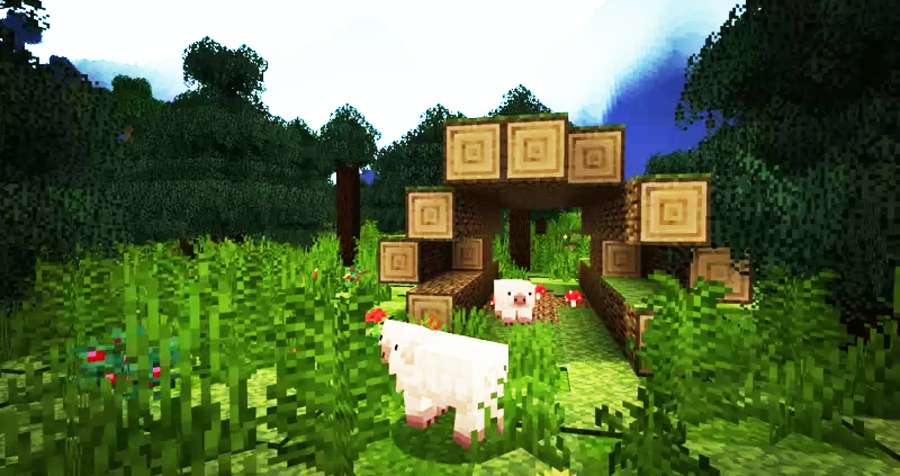
More Biomes DataPack 26.3 will be transforming your Minecraft world with overhauled world generation. It will aslo introduce vibrant new biomes and breathtaking updates to existing ones. Every landscape comes alive with dynamic custom skies, unique handcrafted trees, diverse ground textures. You will have vibrant rich terrain variation designed to make exploration endlessly exciting. This Datapack has been developed by the ThirtyFangs.
This DataPack will overhaul your world’s landscapes with a sweeping update to vanilla biomes and vibrant new additions. It has dramatically redesigned environments from towering Birch Forests and expansive Forests shrouded in dynamic fog. You will also get sprawling Savannas featuring massive baobab trees and rocky outcrops. Explore distinct new atmospheres with Autumn Forests glowing in rich seasonal colors, alongside enhanced Swamps, Taigas, and Snowy Taigas. It will also bring custom skies, colorful foliage, giant mushrooms, and detailed ground cover.
More Biomes Features & Updates:
-
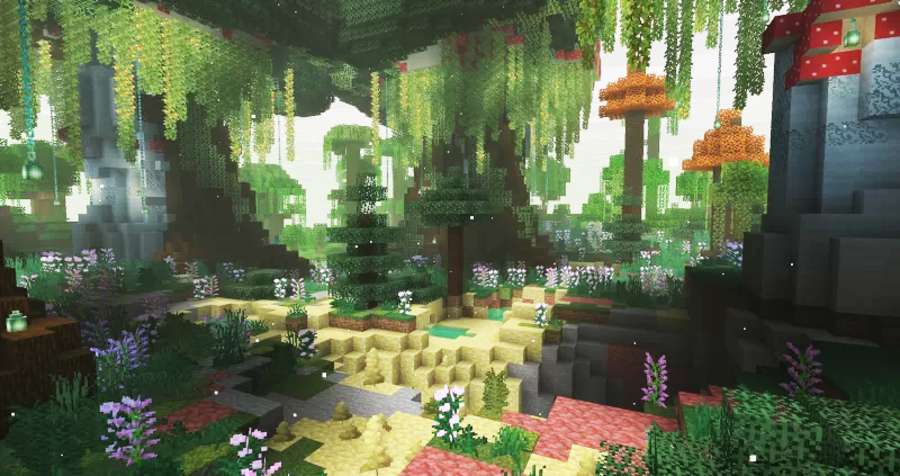
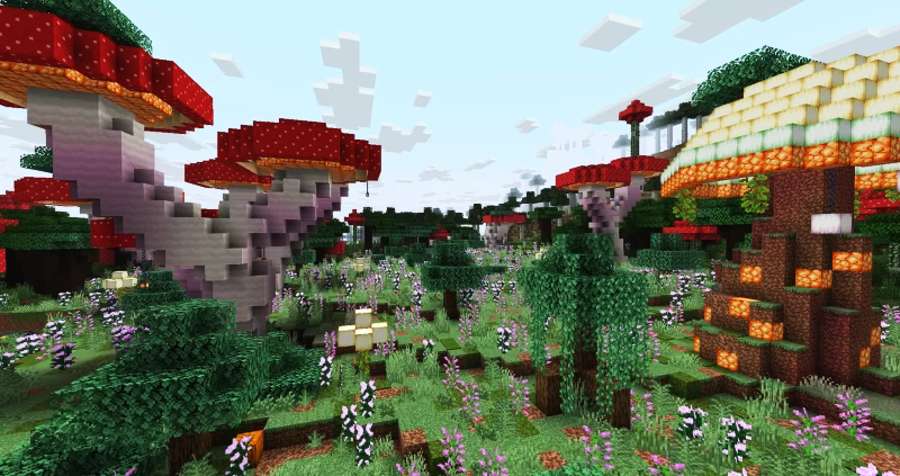
Enchanted Forest: Features towering trees, giant poplars, massive mushrooms, and natural waterfalls.
-
The Lost Woods: A iconic biome inspired by The Legend of Zelda.
-
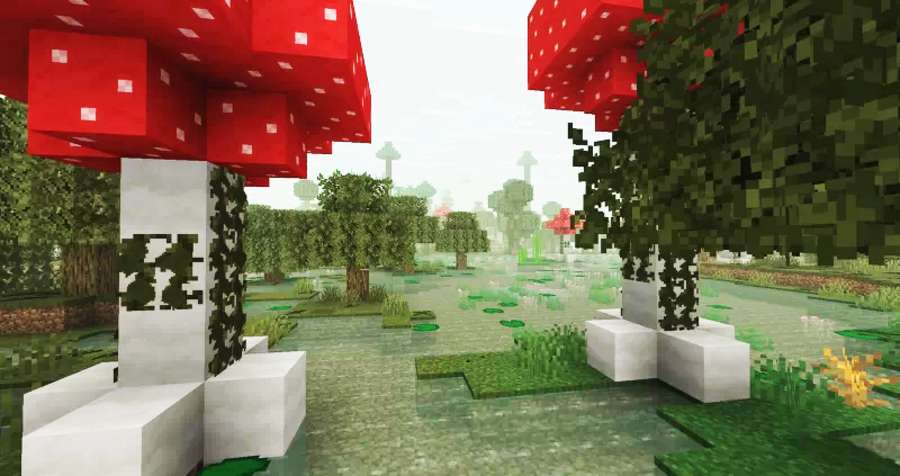
Mushroom Paradise: A bright and colorful landscape composed entirely of custom mushrooms.
-
Sulfur Grounds: A brand-new biome expanding the Nether.
-
Mossy Taiga: A damp spruce forest heavy with moss and dense vegetation.
-
Forest Meadow: Peaceful, open fields that generate along the borders of forests.
-
Improved Dark Forests: Now filled with overgrown, vine-draped mushrooms.
-
Improved Lush Caves: Upgraded with giant subterranean mushrooms.
-
Improved Deserts: Features custom atmospheric skies and hidden oases.
-
Improved Stony Shores:Terrain now blends rugged stone and cobblestone.
-
River Arches: Natural rock arches now spawn across riverways.
-
Custom Skies: Added to Snowy Plains, Badlands, Deserts, and cold biomes
- Rivers: Arks have been added to the rivers.
Screenshots:
This Data Pack Installation:
-
Download the data pack file (
.zip). -
Create and save a new Minecraft world (or select an existing one), then return to the main menu.
-
Select your world in the singleplayer menu and click Edit $\rightarrow$ Open World Folder.
-
Open the
datapacksfolder inside your world folder. -
Move the downloaded
.zipfile into thedatapacksfolder. -
Load into your world and type
/reloadin the chat to activate it.
Download More BIomes Data Pack:
For Minecraft 26.2:
- More-Biome-s.zip
- Developer – More-Biome.zip
For Minecraft 1.21.11:
Disclaimer:
We provide download links shared by the original developers and take care to ensure they are safe and reliable. However, there may be times when a developer removes their links from third-party websites. In such cases, we may need your help to identify broken links so we can fix them promptly. If you come across a link that isn’t working, please let us know. We aim to update and maintain working links as quickly as possible, and our team regularly checks them to keep everything up to date. We also prioritize your safety every link is reviewed to ensure it is secure and free from viruses. Our goal is to provide genuine, trustworthy downloads for all content.