Artemis DataPack for 26.3 (Enhanced Biomes and Overworld)
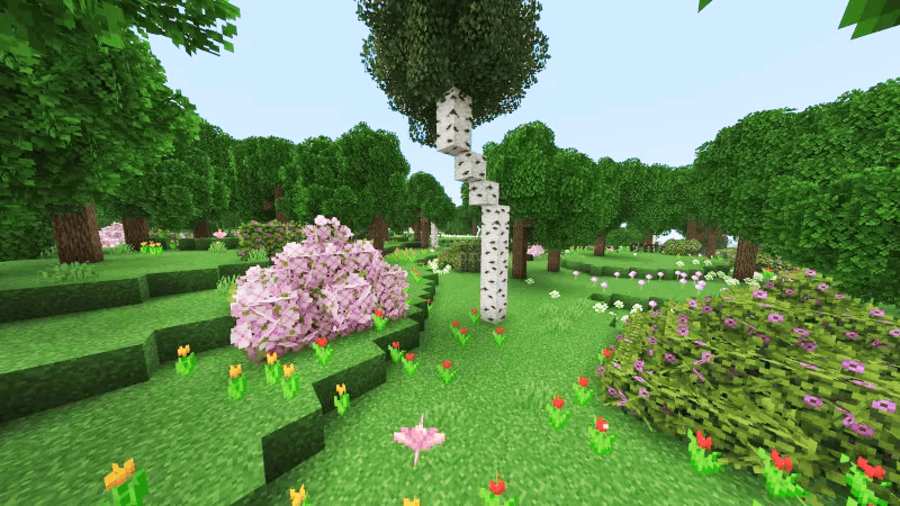
Artemis DataPack for 26.3 is a lightweight worldgen datapack crafted to elevate minecraft natural landscapes while preserving its core gameplay. Expect a more vibrant, immersive, and fresh world. It will also stay completely true to the classic vanilla feel. It will also enhance your audio and performance lags would be removed too. This DataPack have been developed by the MoisturePack.
This DataPack brings a raft of visual, auditory, and performance enhancements to your world. Sulfur caves receive full support alongside revamped, richer visuals, while windswept biomes now feature atmospheric ambient wind sounds to heighten immersion. Expect a more polished landscape overall thanks to further refined vanilla trees, more consistent tree and terrain generation, and under-the-hood bug fixes and all bundled with reduced performance lag for a smoother gameplay experience.
Artemis DataPack Dimension Advancements:
-
Enhanced Biome Colors: Reworked sky, fog, and lighting tones across every biome for a richer, more atmospheric feel.
-
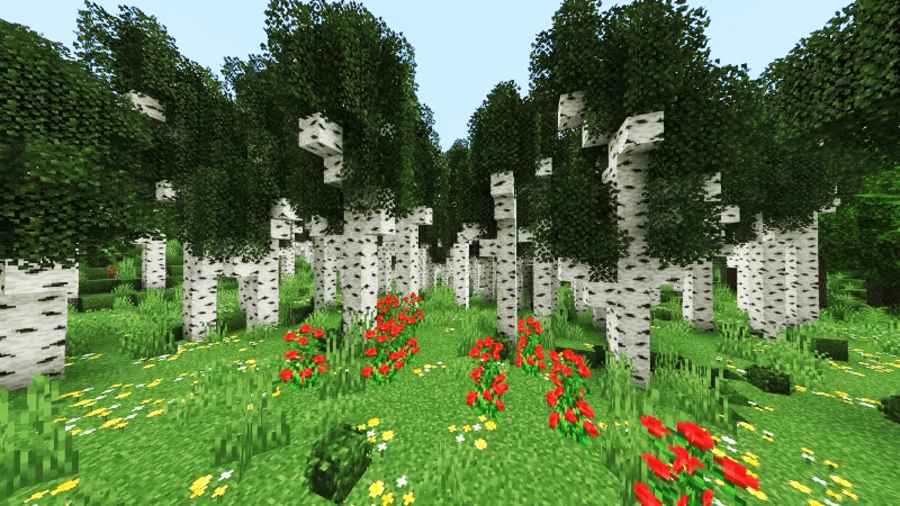
Major Tree Upgrade: Naturally generating trees are now taller, fuller, and more realistic—say goodbye to stubby, awkward trunks while keeping the vanilla style.
-
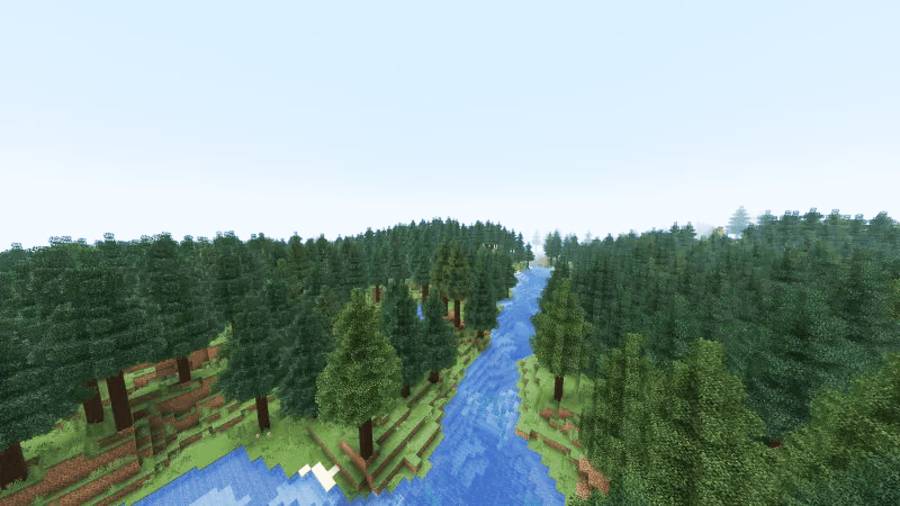
Cleaner Terrain Generation: Rivers and mountain ranges generate more smoothly for a seamless, natural look.
-
Immersive Audio: Added ambient wind sounds to mountain and windswept biomes to bring the highlands to life.
-
Vibrant Biome Visuals: Refined lighting, fog, and sky colors bring a more dynamic look to every biome.
-
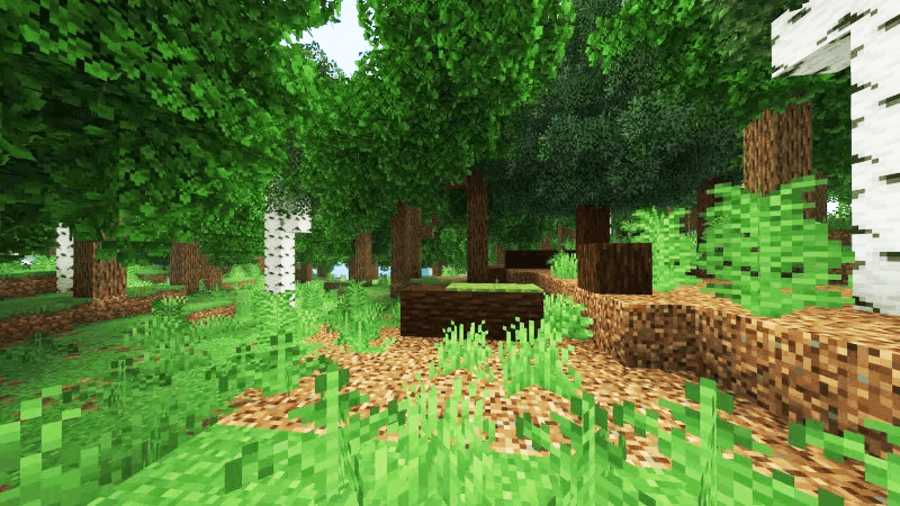
Overhauled Forests: Wooded areas feature major upgrades, including taller, fuller tree generation.
-
Optimized Mangrove Swamps: Redesigned to significantly reduce performance lag while making traversal much smoother.
-
Cleaner Terrain: Rivers and mountain ranges generate more seamlessly for a natural landscape.
-
Atmospheric Audio: Added ambient wind sounds to high-altitude and windswept regions.
This Data Pack Installation:
-
Download the data pack file (
.zip). -
Create and save a new Minecraft world (or select an existing one), then return to the main menu.
-
Select your world in the singleplayer menu and click Edit $\rightarrow$ Open World Folder.
-
Open the
datapacksfolder inside your world folder. -
Move the downloaded
.zipfile into thedatapacksfolder. -
Load into your world and type
/reloadin the chat to activate it.
Screenshots:
Download Artemis Data Pack:
For Minecraft 26.2:
- Artemi-s.zip
- Developer – Artemi-s.zip
Disclaimer:
We provide download links shared by the original developers and take care to ensure they are safe and reliable. However, there may be times when a developer removes their links from third-party websites. In such cases, we may need your help to identify broken links so we can fix them promptly. If you come across a link that isn’t working, please let us know. We aim to update and maintain working links as quickly as possible, and our team regularly checks them to keep everything up to date. We also prioritize your safety every link is reviewed to ensure it is secure and free from viruses. Our goal is to provide genuine, trustworthy downloads for all content.